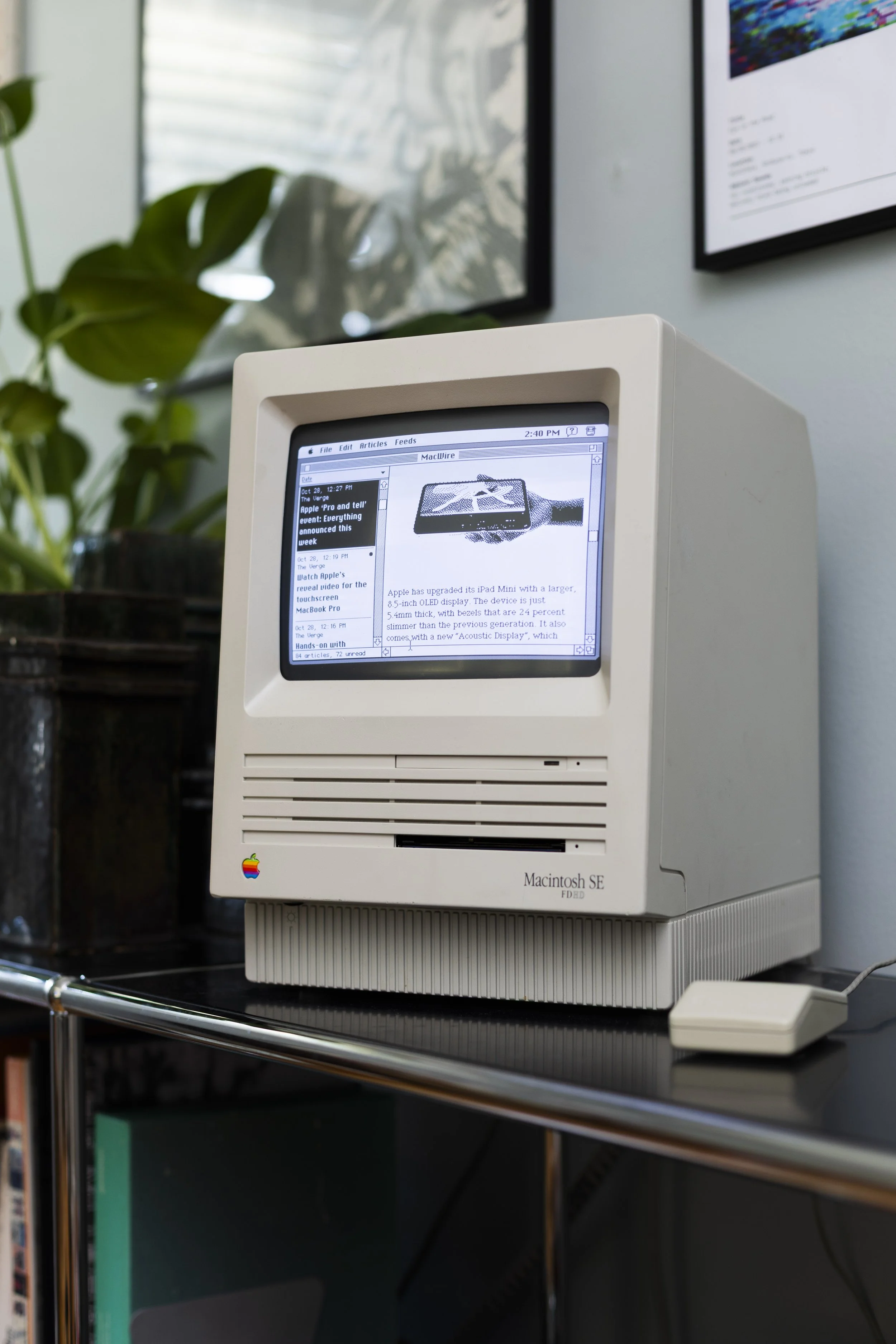
MacWire, my Classic Mac RSS reader, running on my Macintosh SE.
MacWire: A Classic Mac RSS Reader
MacWire is an application that lets Classic Macintosh computers view modern RSS feeds (with just a little help).
Intro
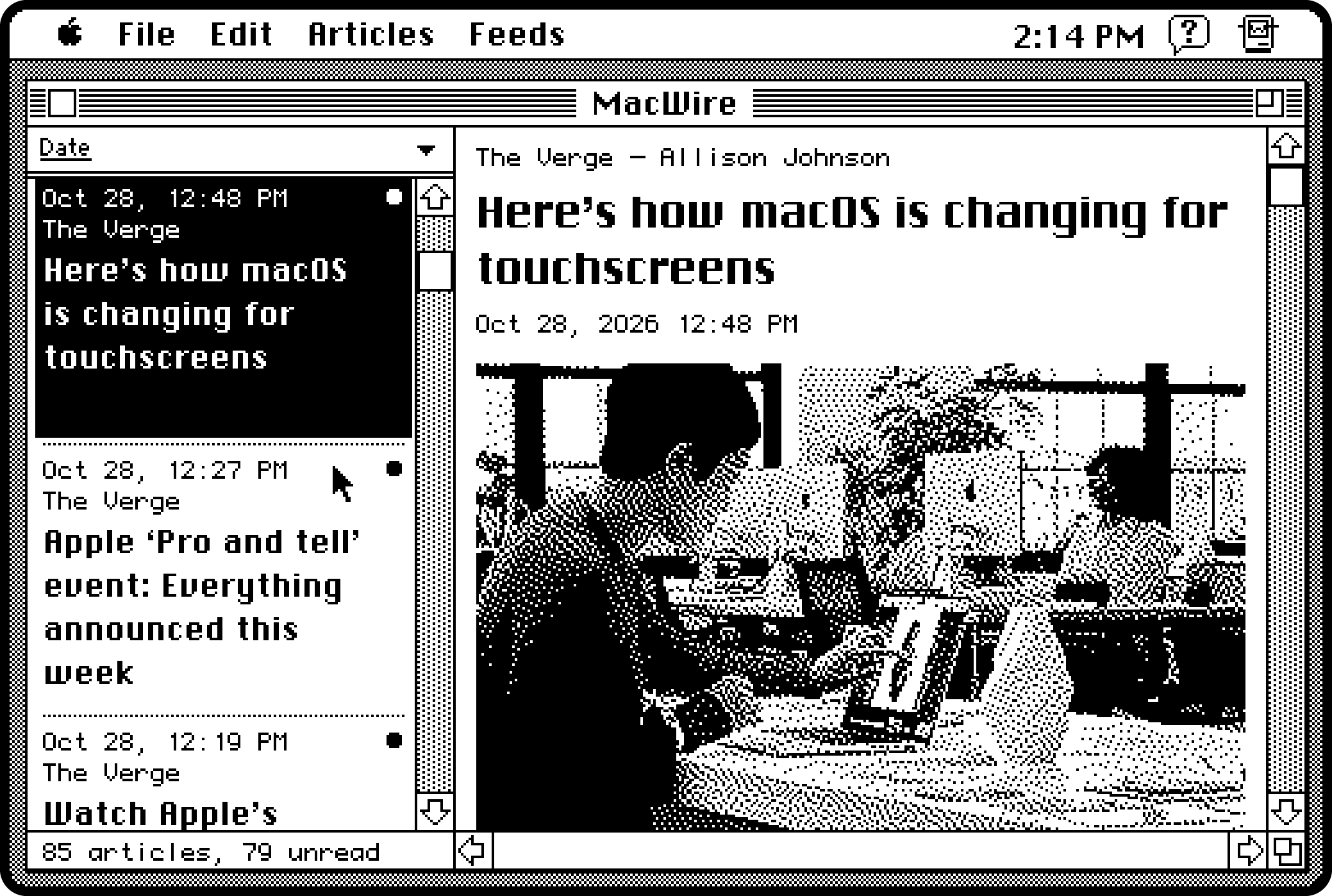
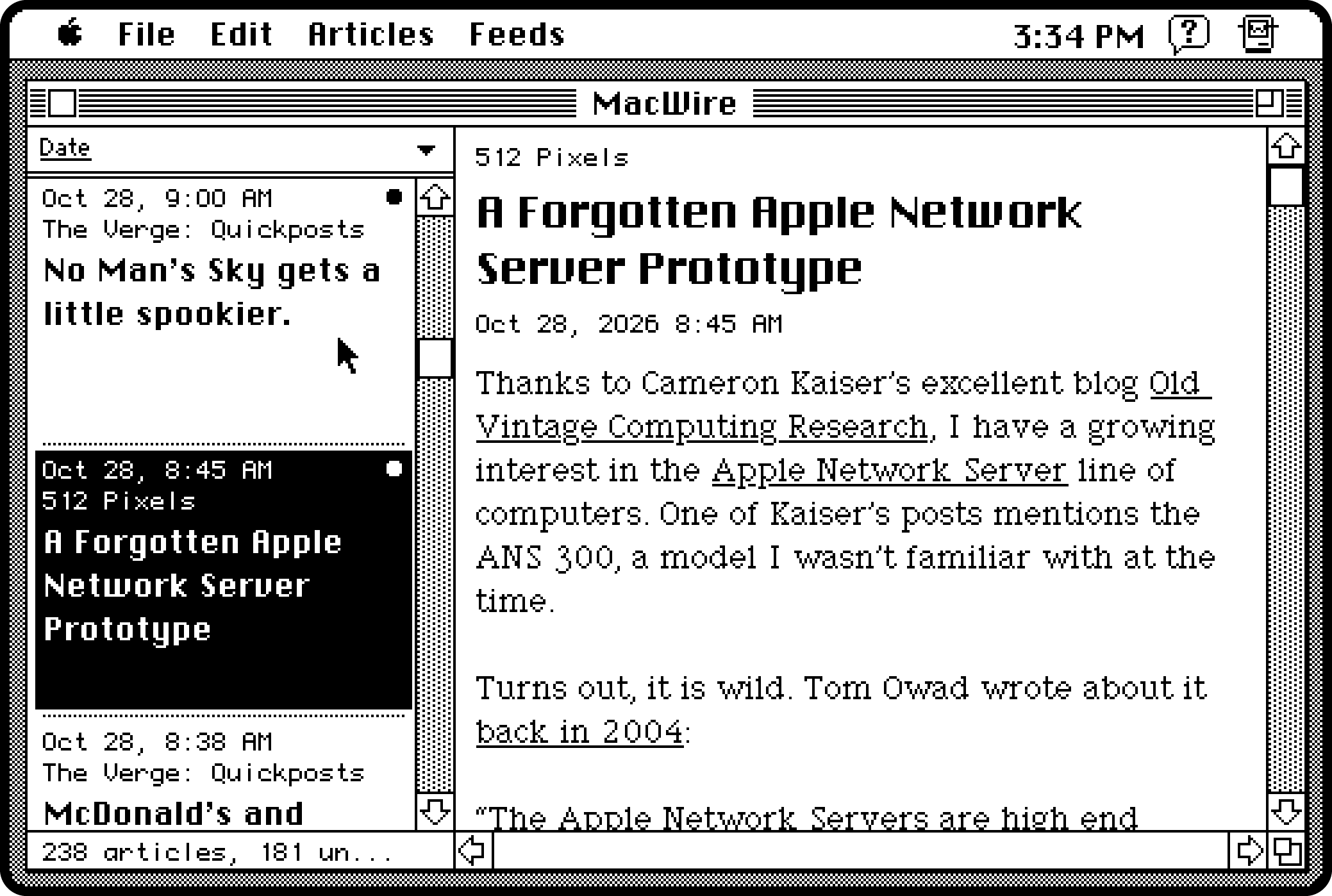
Built with System 7 in mind, MacWire fetches RSS feeds and displays article text, metadata and black-and-white images. The images are resized and dithered (using Atkinson Dithering, naturally) for display on the 1-bit screens used on Compact Macs. Fonts are also customizable in the application’s settings.
I aimed to create a user experience that would have felt familiar in the early 1990s, but which also provides much of the basic functionality of an RSS reader.
The left panel allows you to view articles from all your feeds sorted by date published (with the ability to change the sort order). The Feeds menu allows you to select an individual feed to show on the left as well.
The panel on the right shows the article along with a maximum of 5 images. This limit keeps the download time somewhat speedy on these old machines.
By default, MacWire will download articles published to a feed in the past 24 hours. You can change this to 48 hours, 3 days, or 7 days in Preferences.
FAQs
What are the requirements?
MacWire runs on Classic Mac OS and requires MacTCP for networking. My personal Macintosh SE runs System 7.0.1, so that’s what I’ve tested it on. You may have success with other versions of the OS that can run MacTCP, but I haven’t tested anything beyond my setup. The user interface is designed specifically for a Compact Macintosh of this era though.
If you’re running this on a real Classic Macintosh, you will of course need hardware to connect to your local network. I use a BlueSCSI which I find works very well.
You will also require a modern computer. See below.
Isn’t a Compact Mac too old to use RSS?
Yeah, pretty much. RSS was initially released in 1999, and System 7 first came out in 1991. A lot of computer stuff happened in the intervening years. That’s why MacWire relies on a helper app (a lightweight Python server) running on a modern computer to fetch and serve articles from RSS feeds. The modern computer needs to be on the same local network. The modern machine handles HTTPS requests that the Classic Mac would choke on. The modern machine also resizes and dithers the images before serving them to MacWire.
The helper app is run on the command-line, but in the future I may create a GUI interface. Heavy emphasis on the “may.”
Why did you make this?
For fun I guess. I have a Macintosh SE (the FDHD variety that supports 1.44MB floppies), and it’s a lovely machine to play around with. I routinely check RSS feeds, and I wanted to see if I could create a usable RSS reader for a machine that existed before RSS was even created.
Why is it called MacWire?
Wire services traditionally delivered news stories from remote locations, and RSS is in that vein. Plus the Classic Mac needs to fetch its articles from a remote (though local) location as well. Also I grew up in St. Louis, and pronouncing “MacWire” like a certain steroid-using baseball player has some nostalgia value for me.
How can I get it? And what does it cost?
I’ll answer the second question first. It’s free (and open source). You can find the source code and downloadable disk images at the project’s Github repo.
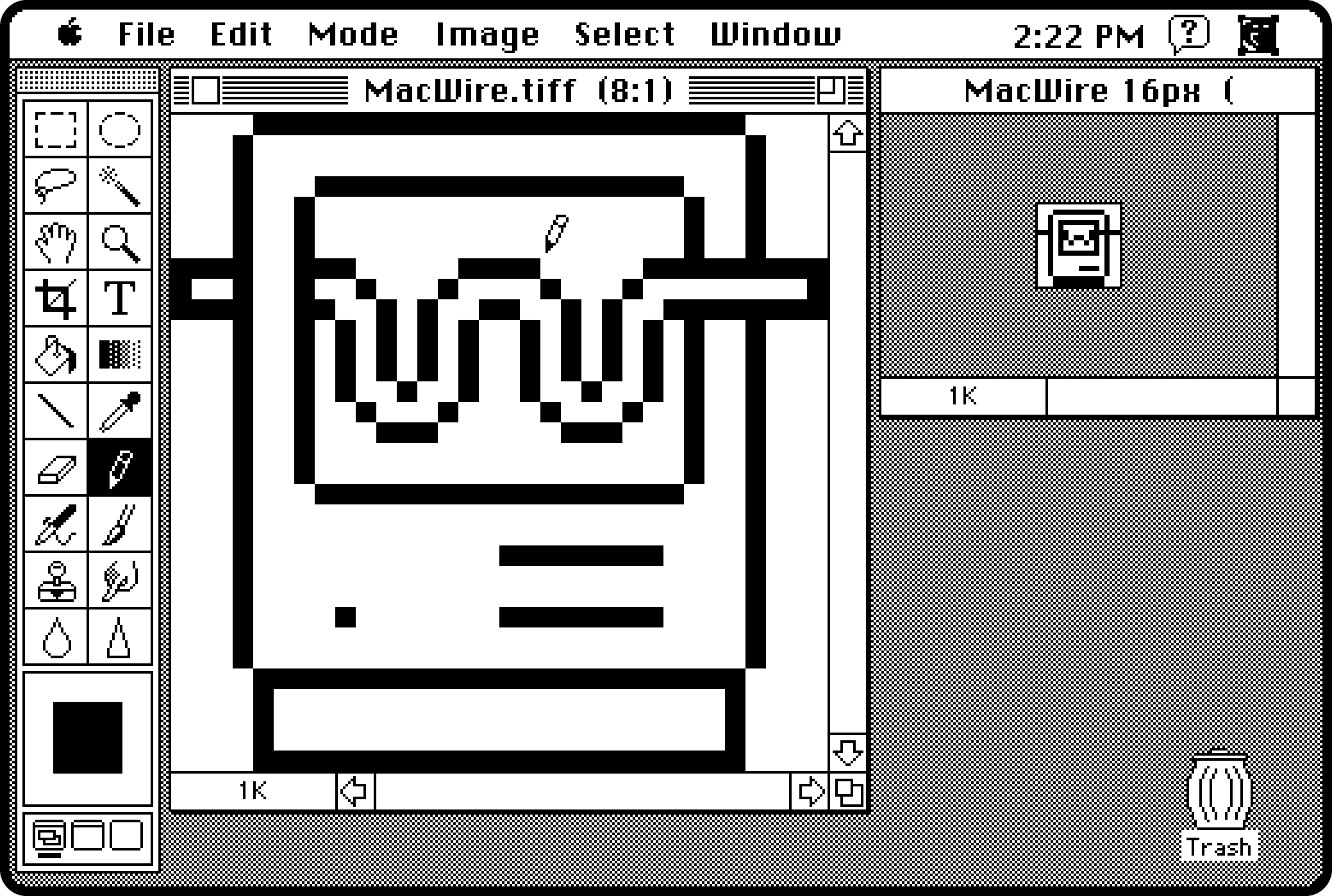
I designed the icon for MacWire using Photoshop 1 running on my Macintosh SE itself.

I also made an animated “moving wire” wait cursor based on my MacWire icon.